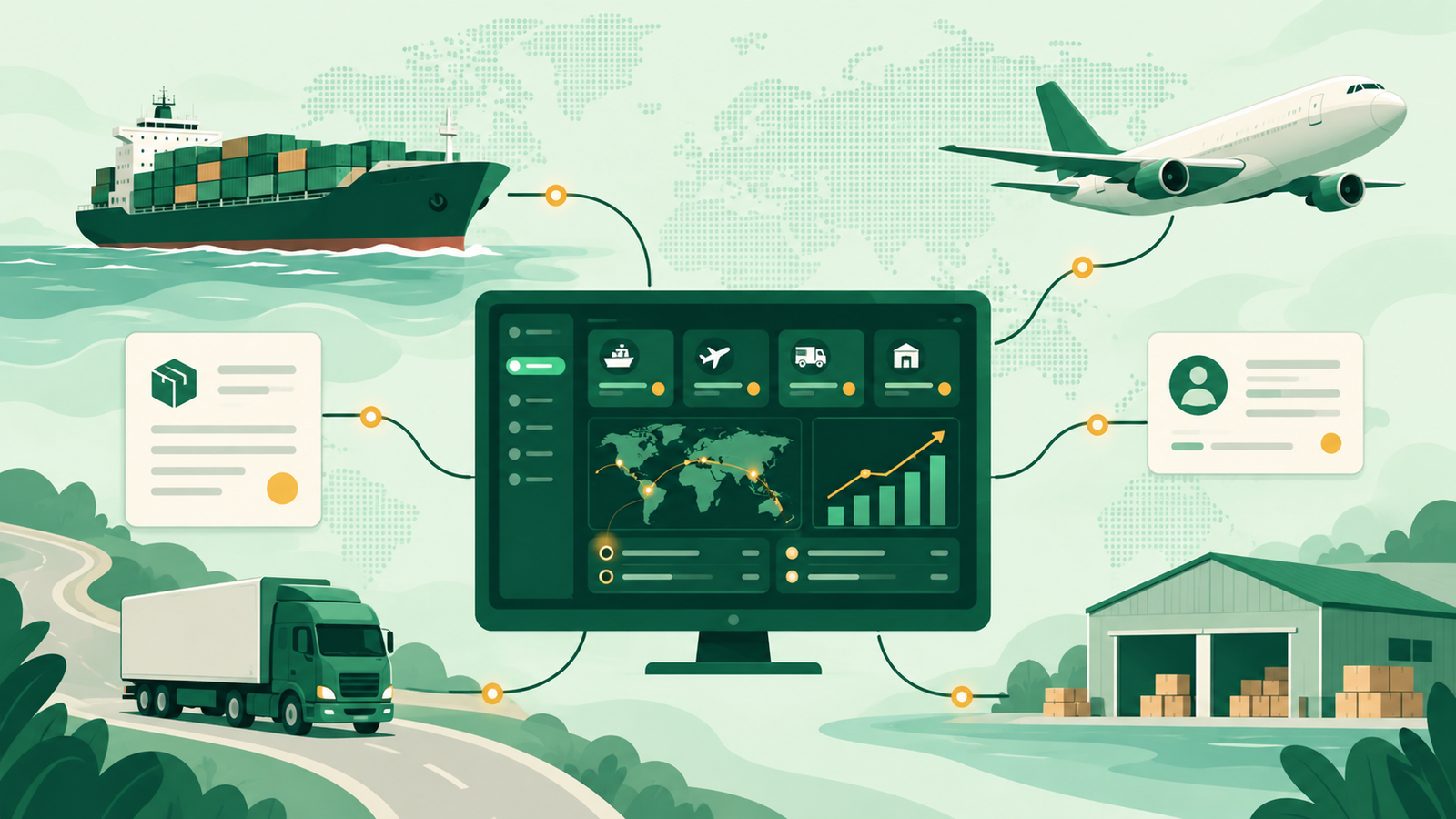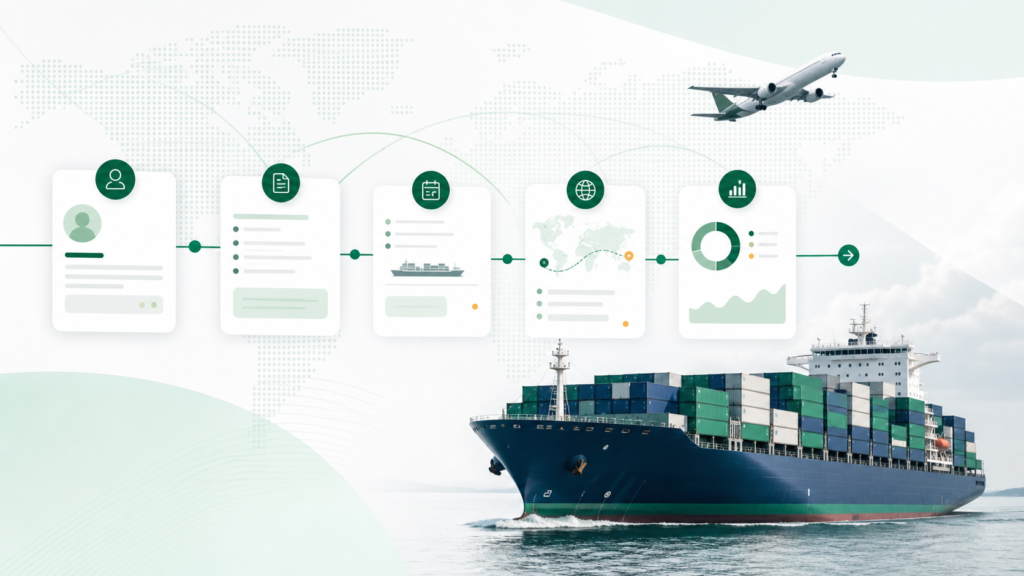
Choosing a freight forwarding CRM is not the same as choosing a contact database for a conventional sales team. A forwarder sells a lane, mode, rate, capacity and service promise. Once a quotation is accepted, that promise has to survive the handover into booking, documentation, shipment execution, invoicing and margin review.
The best system therefore depends on what you need the CRM to do. A small sales desk may only need structured follow-up. A multi-branch forwarder may need customer activity connected to quotes, live shipments, permissions and job profitability. A global operator may need deep customization and an established integration ecosystem.
This guide compares ten practical options across those different needs. It also explains the difference between a CRM and a freight management system, the fields a freight-specific platform should understand, and the demo tests that reveal whether a product will work after the sales presentation ends.
Short answer: choose a generic CRM when sales and marketing automation are the priority and you have a reliable integration plan. Choose a freight-native CRM or a freight management platform with CRM capabilities when customer, quotation, shipment and financial data need to remain in one operational record.
Disclosure: Syntropy develops Waybill CRM, one of the products covered below. This guide uses publicly available product information checked on August 27, 2026. It compares best-fit use cases and trade-offs; it does not claim that every platform was independently tested.
How we evaluated the platforms
We reviewed public product pages and documentation available on August 27, 2026. Each option was assessed against six buyer questions: whether it understands freight-specific data; how well it connects inquiry, quotation, booking and shipment workflows; whether sales can see operational and financial outcomes; the quality of its sales and marketing tools; integration and governance requirements; and likely implementation effort.
This is a best-fit comparison rather than a universal score. Public information cannot reveal every configuration, regional limitation or implementation outcome, so buyers should verify critical requirements with a realistic demo and written scope.
Freight forwarding CRM comparison at a glance
| Platform | Best fit | Type | Main strength | Main consideration |
|---|---|---|---|---|
| Waybill CRM | Small and mid-market forwarders wanting one workflow | Freight-native CRM and operations platform | Inquiry-to-margin continuity | Confirm fit for your required external integrations |
| CargoWise | Large, complex and global forwarding operations | Enterprise logistics platform with CRM capabilities | Operational breadth and global ecosystem | Higher implementation and change-management demands |
| Magaya | Forwarders needing operations, customs or warehousing together | Logistics suite with CRM capabilities | Connected logistics and accounting workflows | Evaluate the depth of the commercial workflow in your configuration |
| GoFreight | Small and mid-size cloud-first forwarders | Freight management platform with CRM features | Modern interface and fast operational adoption | Confirm advanced sales automation and integration requirements |
| Shipthis | Digital-first, multi-branch forwarders | Freight operating system with CRM | Broad module coverage and transparent packaging | Validate regional and specialist workflow depth |
| HubSpot | Marketing-led forwarding teams | General-purpose CRM | Adoption, marketing and sales automation | Freight objects and FMS integration require design work |
| Salesforce | Enterprise sales organizations | General-purpose enterprise CRM | Customization, governance and ecosystem | Cost and implementation complexity can be substantial |
| Pipedrive | Small forwarding sales teams | General-purpose sales CRM | Simple visual pipeline and follow-up | Limited freight-native data and reporting |
| Zoho CRM | Cost-conscious teams wanting a broad business suite | General-purpose CRM | Flexible value-oriented ecosystem | Requires configuration and freight-system integration |
| Zavin | Forwarders prioritizing freight-native commercial automation | Freight sales CRM | Lane, quote and shipment-aware sales context | Newer platform; validate integration and geographic fit |
The table is deliberately not a universal ranking. A platform that is right for a five-person sales team may be the wrong foundation for a multi-office operation, and vice versa.
Need one workflow from inquiry to margin?
See how Waybill CRM connects customer records, quotations, shipments, invoicing and job profitability without rebuilding the same freight data in separate systems.
What is a freight forwarding CRM?
CRM is one layer of a forwarder's operating stack. See our TMS vs FMS vs ERP vs CRM guide for a record-by-record map of the wider freight software system.
A freight forwarding CRM manages customer relationships in the context of how freight is quoted and moved. In addition to accounts, contacts, activities and opportunities, it should understand at least some of the following:
- shippers, consignees, agents, carriers and related account hierarchies;
- origin, destination, port of loading, port of discharge and trade lane;
- air, ocean, road, rail, courier and multimodal services;
- FCL, LCL, cargo type, equipment, weight and chargeable weight;
- Incoterms, buy rates, sell rates, rate validity and quote revisions;
- won quotations, bookings, live shipments and shipment history; and
- revenue, direct cost, gross profit and customer profitability.
FIATA defines freight forwarding as a broad set of services connected with carriage, consolidation, storage, handling, packing, distribution and related activities. That operational breadth is why a simple deal pipeline rarely tells the whole story.
Freight CRM vs TMS, FMS and ERP
The names overlap, so evaluate the workflow rather than the label.
- A CRM manages accounts, contacts, sales activity, opportunities, follow-ups and commercial reporting.
- A transportation management system (TMS) typically focuses on transport planning, execution, carrier activity and visibility.
- A freight management system (FMS) is usually broader for forwarders, covering quotations, bookings, documents, shipments, agents, charges and invoicing.
- An ERP connects financial and other business-wide processes across the organization.
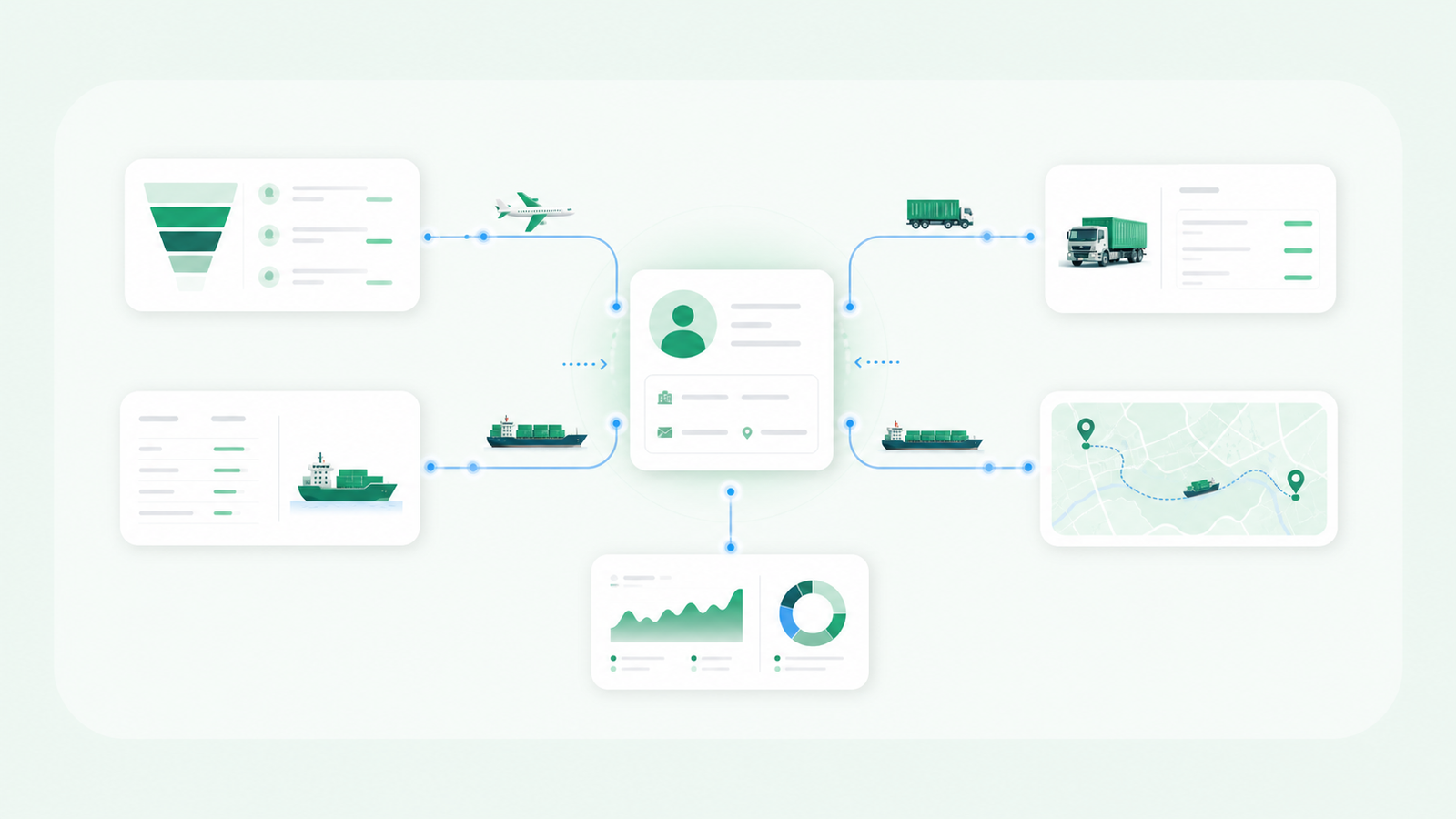
Some forwarders use a dedicated CRM connected to an FMS. Others choose one freight platform that carries the customer from inquiry to invoice. Both models can work. The risk is the gap between them: duplicate customers, stale quote statuses, missing shipment history and reports that disagree about revenue or margin.
For a practical example of the connected model, read how a freight CRM connects quotes, shipments and profitability.
Why generic CRM software often falls short for forwarders
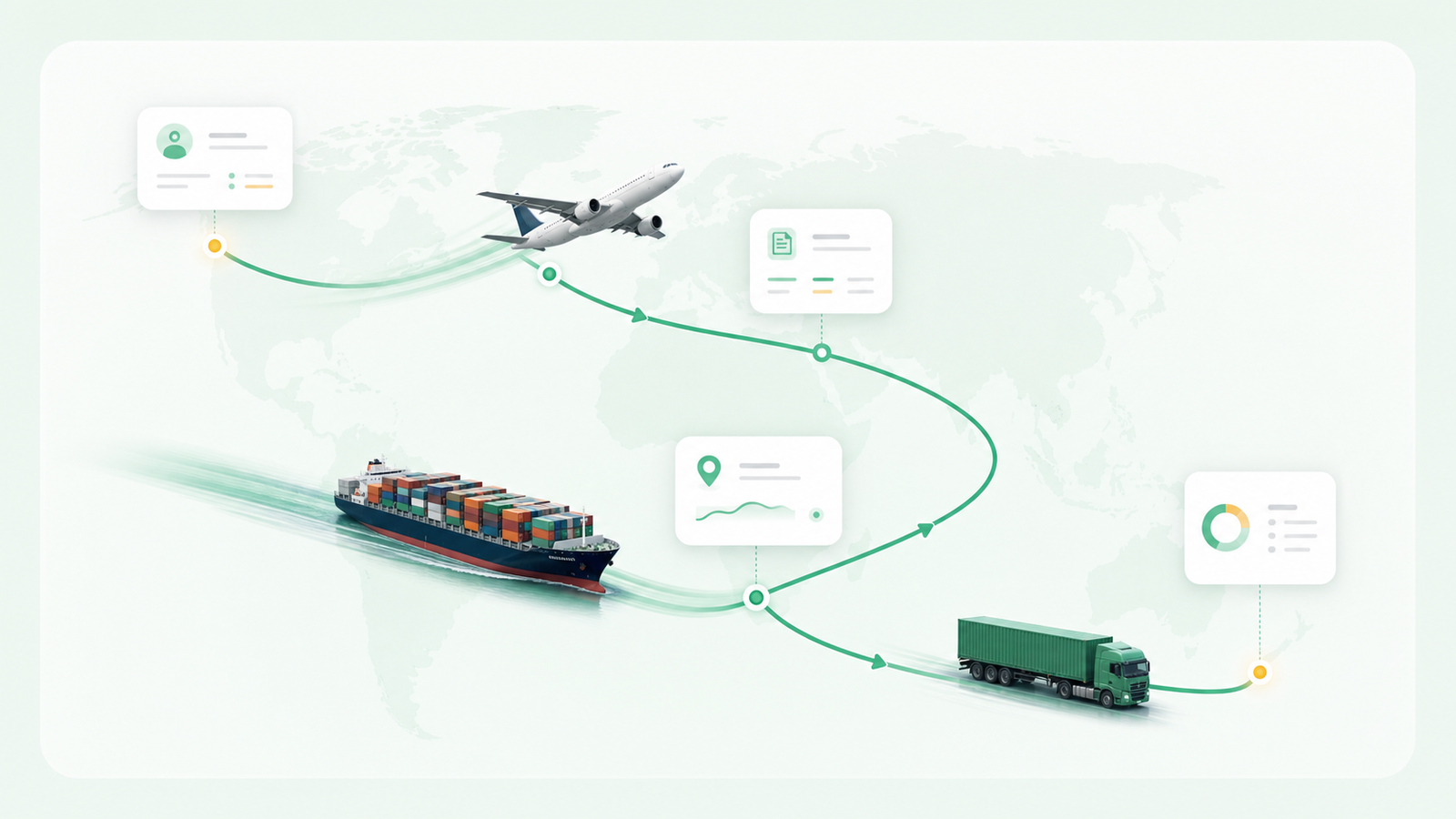
Generic CRM software is built around a familiar sequence: lead, opportunity, proposal and close. Freight sales is less linear. One customer can request several quotes in a week across different modes and lanes. Each quote may have multiple versions, validity periods, carrier options and margin approvals. A quote marked “won” is not necessarily a booking, and a booking is not commercially complete until the shipment is executed and billed correctly.
A generic CRM can model these details, but somebody has to design the fields, relationships and integration. Before choosing that route, calculate the full cost of configuration, administration, data synchronization and ongoing maintenance—not only the monthly license.
10 freight forwarding CRM options to consider in 2026
1. Waybill CRM — best for one connected inquiry-to-margin workflow
Waybill CRM is Syntropy’s freight forwarding platform. It connects customer and vendor records with inquiries, rate requests, quotations, air and sea shipments, documents, invoicing, receivables, payables and job costing.
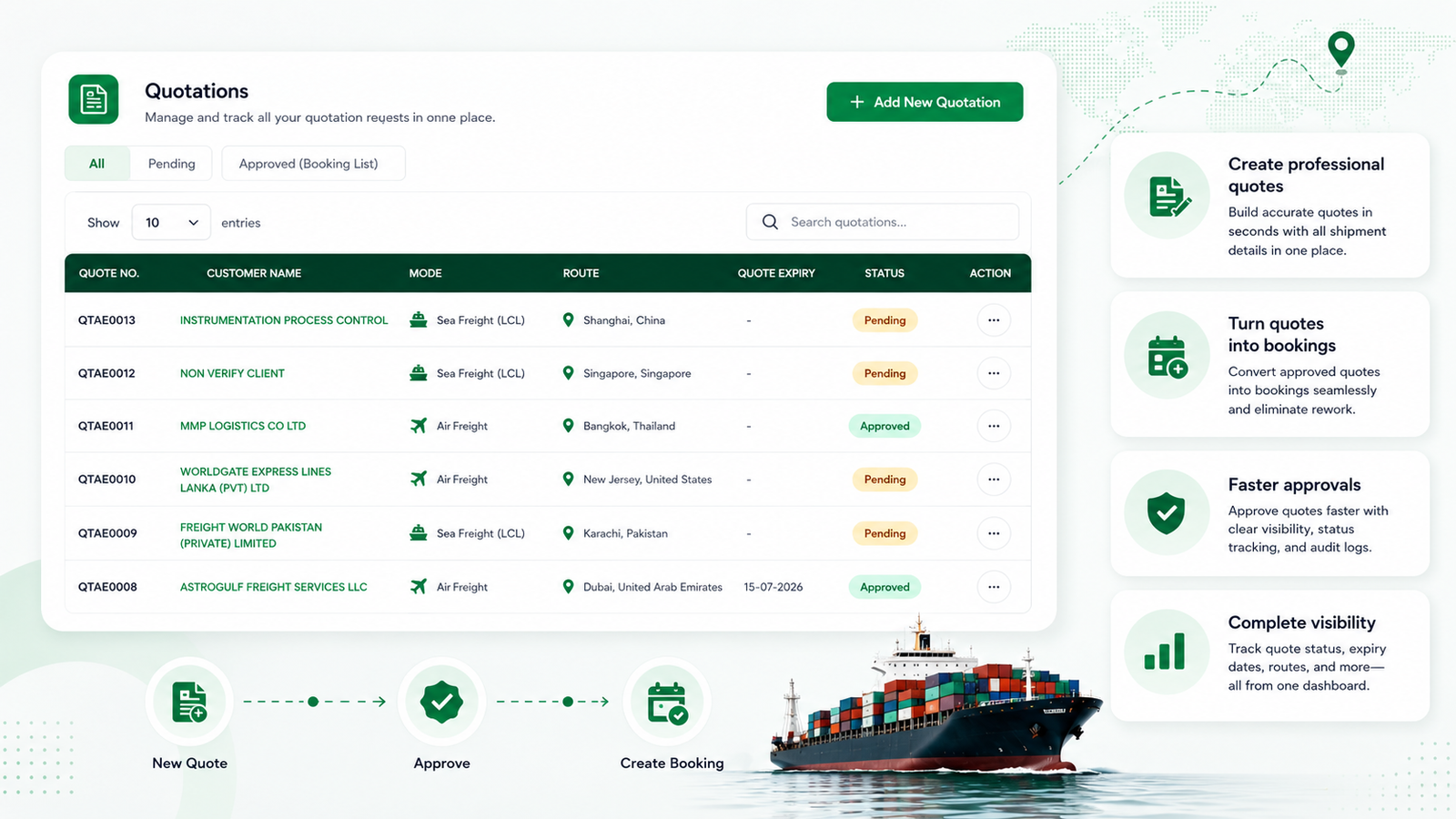
Its strongest fit is a small or mid-market forwarder that wants sales, operations and finance working from the same freight record. Instead of synchronizing a generic CRM with a separate operating system, the approved quotation can carry its commercial context into shipment execution and profitability reporting.
Best for: forwarders replacing spreadsheets, inbox handoffs and disconnected accounting workflows with one web-based system.
Evaluate carefully: required carrier, customs, accounting, EDI and customer-portal integrations; migration scope; and any country-specific compliance requirements.
The Transparent Freight Services case study shows the type of operational outcome this approach can produce: three countries on one system, real-time shipment visibility and documentation time reduced from 30–40 minutes per job to under one minute.
2. CargoWise — best for complex global operations
CargoWise is an enterprise logistics platform used across international forwarding and customs operations. Its appeal is breadth: commercial, operational, compliance and financial workflows can exist inside a large global logistics ecosystem.
Best for: larger forwarders with complex multi-country requirements, dedicated implementation resources and a need for extensive logistics functionality.
Evaluate carefully: implementation scope, user training, process change, total commercial model and whether the CRM experience matches the way your sales team actually works.
3. Magaya — best for connected forwarding, customs and warehousing
Magaya offers logistics software spanning freight operations, customs, warehousing, rate management, accounting and a digital customer experience. Customer and job activity can remain close to the operational data that produces it.
Best for: small and mid-size logistics providers, particularly those that want forwarding operations and adjacent warehouse or customs workflows from one vendor.
Evaluate carefully: quote-version handling, follow-up automation, win/loss reporting, regional compliance needs and which capabilities require additional products or configuration.
4. GoFreight — best for cloud-first forwarders prioritizing adoption
GoFreight is a cloud freight management platform covering shipment operations, quoting, invoicing, customer records, tracking and analytics. Its modern interface and freight focus make it a practical option for teams moving away from heavier legacy processes.
Best for: small and mid-size ocean and air forwarders that want customer and operational information in a single cloud platform.
Evaluate carefully: advanced marketing automation, custom reporting, external CRM requirements and the integrations needed for your carriers, accounting stack and customer portal.
5. Shipthis — best for digital-first and multi-branch teams
Shipthis positions itself as a freight forwarding operating system covering shipment management, accounting, CRM, quotations, rate management and customer portals. It also publishes clearer packaging than many logistics-platform vendors.
Best for: digital-first small and mid-market forwarders that want broad functional coverage and a straightforward cloud-buying experience.
Evaluate carefully: local tax and customs requirements, the depth of specialist workflows, integration limits and how automation handles exceptions rather than only standard jobs.
6. HubSpot — best for marketing-led freight sales
HubSpot CRM is a general-purpose platform known for usability, marketing automation, email sequences, lead capture and reporting. It can be a strong commercial system when a forwarder invests heavily in inbound marketing and disciplined sales follow-up.
Best for: forwarders whose immediate priority is marketing, pipeline adoption and sales automation, especially when a separate FMS already runs operations.
Evaluate carefully: how lanes, modes, quote versions and account relationships will be modeled; which shipment and margin fields return from the FMS; and who will own the integration after launch.
7. Salesforce — best for enterprise customization and governance
Salesforce Sales Cloud offers extensive customization, forecasting, permissions, territory management and a large integration ecosystem. With the right architecture, it can model complex freight sales processes.
Best for: enterprise forwarding groups with an internal Salesforce team or experienced implementation partner, and a wider organizational reason to standardize on Salesforce.
Evaluate carefully: custom-object design, FMS integration, administration capacity, implementation timeline, licensing and the long-term cost of keeping freight-specific workflows current.
8. Pipedrive — best for a simple freight sales pipeline
Pipedrive focuses on a clear visual pipeline, activities and next-step discipline. For a small forwarding sales team currently working from a spreadsheet, that simplicity can improve follow-up without a large transformation project.
Best for: a small team that needs ownership, reminders and basic opportunity visibility more than deep operational integration.
Evaluate carefully: lane and quote modeling, reporting depth, shipment history, marketing requirements and the point at which manual updates between the CRM and FMS become a constraint.
9. Zoho CRM — best for value-oriented flexibility
Zoho CRM provides configurable sales workflows within a broad suite that also includes finance, service, analytics and communication products. It can be attractive to cost-conscious teams willing to configure the system around their process.
Best for: smaller forwarders already using Zoho products or looking for a broad business-software ecosystem with flexible entry points.
Evaluate carefully: user experience after customization, freight-specific objects, integration ownership, reporting consistency and the effort required to keep the CRM aligned with operational data.
10. Zavin — best for freight-native commercial automation
Zavin is a newer freight sales platform designed around lanes, quotes, customer activity and shipment context. Its positioning reflects a growing category: CRM that is populated by freight work rather than relying on salespeople to re-enter every operational signal.
Best for: forwarders prioritizing freight-native commercial automation, quote visibility and account intelligence.
Evaluate carefully: integration coverage, security and data-handling policies, geographic fit, implementation references and how the platform performs on your real RFQ and booking workflows.
How to choose: freight-native platform or generic CRM?
Choose a freight-native CRM or connected freight platform when:
- quote, shipment and financial context must stay together;
- sales, operations and finance need one source of truth;
- lane, mode, equipment, chargeable weight and rate validity are core fields;
- quote-to-booking conversion should avoid re-entry; or
- customer profitability and shipment history drive commercial decisions.
Choose a generic CRM connected to an FMS when:
- marketing automation, campaigns and attribution are strategic priorities;
- the sales organization already uses a company-wide CRM;
- an established FMS is not being replaced;
- internal administrators can maintain custom objects and workflows; and
- the integration has clear ownership, monitoring and recovery processes.
The architecture should be explicit:
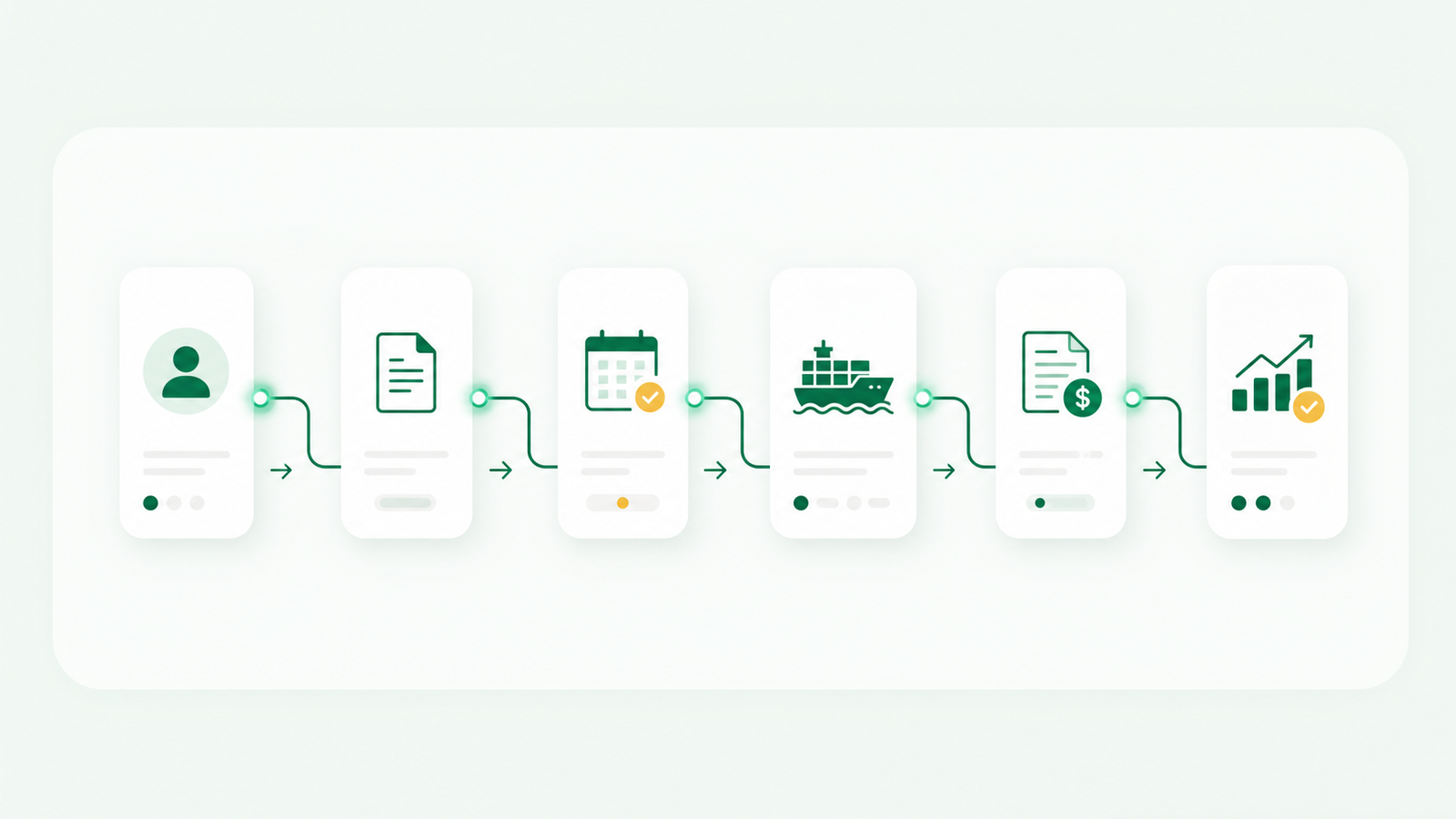
CRM account and opportunity → freight quote → booking and shipment → revenue, margin and status returned to the CRM
At minimum, agree which system owns the customer record, quote, booking, shipment status, invoice and profitability calculation.
Freight forwarding CRM feature checklist
Customer and sales data
- parent accounts, branches, shippers, consignees and overseas agents;
- contacts, roles, communication history and assigned sales owner;
- lead source, opportunity stage, next action and inactivity alerts;
- trade-lane, mode, cargo and service preferences; and
- shipment history, revenue and profitability by account.
RFQ and quotation workflow
- structured RFQ capture from email or manual entry;
- origin, destination, Incoterm, equipment, weight and cargo details;
- buy rates, sell rates, currency, validity and margin;
- multiple quote versions with approval history;
- won, lost, expired and accepted-but-not-booked states; and
- loss reasons and win rate by salesperson, lane and mode.
Operations and finance connection
- quote-to-booking conversion without rebuilding the job;
- live and completed shipment visibility from the customer record;
- milestones, exceptions, documents and responsible users;
- sales and purchase invoices, receipts, payments and open balances;
- job costing and gross-profit reporting; and
- permissions, audit history and multi-office controls.
Integration and governance
- documented APIs, webhooks or supported connectors;
- clear master-data ownership and duplicate handling;
- role-based access, export controls and audit logs;
- data residency, retention, backup and deletion policies;
- error monitoring for failed synchronization; and
- a tested process for adding fields without breaking reports.
A seven-step implementation plan
- Map the current workflow. Document how an inquiry becomes a quote, booking, shipment, invoice and payment.
- Define the data model. Agree account relationships, lane fields, quote stages, loss reasons and ownership rules.
- Clean the data. Remove duplicates, standardize company names and separate active customers from unqualified lists.
- Design the integration. Decide which records move between CRM, FMS, accounting, email and customer portals.
- Pilot one real team. Use a defined group, lane or branch and compare outcomes with the old process.
- Train by role. Sales, pricing, operations, finance and management need different workflows and reports.
- Measure adoption and results. Review data completeness, quote speed, follow-up and booking outcomes every week after launch.
A basic pipeline can be configured quickly. A reliable freight data model, migration and integration often takes weeks or months. Ask vendors for a plan based on your actual users, systems, countries and data volume rather than a universal go-live promise.
KPIs that show whether the CRM is working
- median time from RFQ receipt to first quotation;
- percentage of quotations followed up before expiry;
- RFQ-to-quote and quote-to-booking conversion;
- win rate by lane, mode, customer segment and salesperson;
- accepted quotes that did not become bookings;
- repeat-shipment and inactive-customer reactivation rates;
- gross profit by job, customer and lane;
- time from operational milestone to invoice issuance;
- percentage of records with a complete next action; and
- CRM and FMS synchronization errors.
The goal is not more activity logged for its own sake. It is a faster, more reliable commercial-to-operational workflow with less re-entry and better margin visibility.
Seven tests to run in every freight CRM demo
Give each vendor the same scenarios and ask them to demonstrate the result live:
- Create one customer with several branches, shippers and consignees.
- Capture an ocean RFQ and an air RFQ for different lanes under that account.
- Revise a quotation twice without losing the earlier rates or approvals.
- Show FCL/LCL details and air chargeable weight without hiding everything in notes.
- Convert an accepted quote into a booking and shipment without re-entering the customer and route.
- Display shipment history, open quotes, revenue and margin from the customer record.
- Restrict commercial and financial information by role and branch, then show the audit history.
If a platform cannot demonstrate your normal workflow with realistic data, a long feature list will not fix the fit.
Frequently asked questions
What is the best CRM for a small freight forwarder?
The best choice depends on whether the immediate problem is sales follow-up or disconnected operations. Pipedrive, HubSpot or Zoho can improve a simple pipeline. A freight-native platform such as Waybill CRM, GoFreight, Shipthis or another FMS with CRM capabilities may fit better when quotes, shipments and billing need to stay together.
Can HubSpot or Salesforce work for freight forwarders?
Yes. Both can manage freight sales when lanes, modes, quote versions and account relationships are modeled properly and the CRM is integrated with the freight management system. Include configuration, integration and administration in the total cost.
Should a freight forwarder use both a CRM and a TMS?
Often, yes. A dedicated CRM can run marketing and sales while a TMS or FMS runs quotations, bookings and shipments. The two-system model works when data ownership is clear and statuses, shipment history and financial outcomes synchronize reliably.
How much does freight forwarding CRM software cost?
Pricing varies by user count, modules, transactions, branches, integrations, migration and support. Compare three-year total cost—including configuration, implementation, administration and integration maintenance—not only the advertised per-user fee.
How long does freight CRM implementation take?
A small, standard pipeline may take days or a few weeks. A multi-office implementation with data cleanup, freight-specific objects and FMS/accounting integrations can take several weeks or months. Ask for milestones, responsibilities and acceptance criteria in writing.
What is the difference between freight forwarding and freight brokerage CRM?
The workflows overlap, but an international forwarder typically needs multimodal shipments, overseas agents, Incoterms, consolidation, bills of lading or air waybills and customs-related data. A domestic freight broker CRM often focuses more heavily on shippers, carriers, loads and call activity. Confirm that the product supports your operating model rather than relying on the word “freight.”
Make the decision around your real freight workflow
The best freight forwarding CRM is the one that keeps customer context accurate after the opportunity is marked won. That may be a deeply configured enterprise CRM, a lightweight sales tool connected to an FMS, or one freight-native platform that joins inquiries, quotations, shipments and profitability.
Start with your data model and handoffs. Run the same realistic demo tests with every vendor. Then measure the outcome in quote speed, follow-up, bookings, billing accuracy and margin—not the length of the feature list.
If your team wants one connected workflow from inquiry to margin, explore Waybill CRM or book a practical product demo.